
Privacy first
Dx adds small helpers inside Zone in your browser. We do not collect, store, or transmit account details, watchlists, or trading activity.
Dx - Enhance Definedge RZone. A small Chrome extension for zone.definedgesecurities.com: a quick menu to jump to screens (with optional quick-dial codes on menu rows), clearer popup forms, chart and watchlist helpers, and other small improvements where they help. Runs only on Zone. Open Dx settings from the extension menu to turn each feature on or off. We do not collect your data.
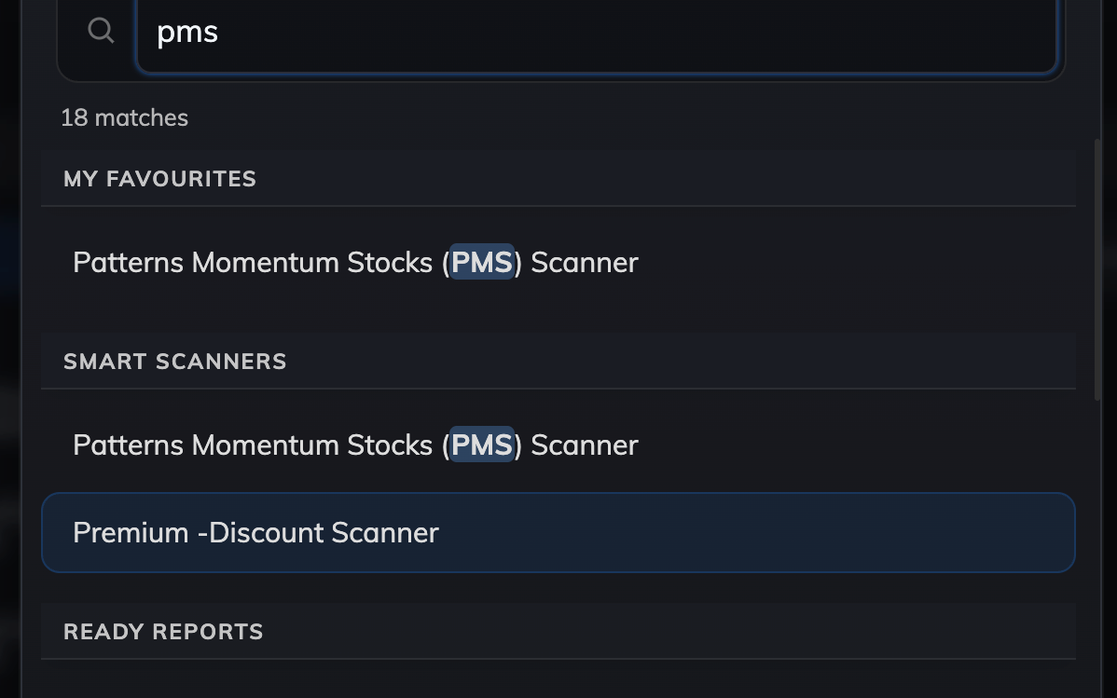
Dx adds small helpers inside Zone in your browser. We do not collect, store, or transmit account details, watchlists, or trading activity.
Keyboard shortcuts, layout choices that stick after you reload, and light notices that do not block your flow. Tuned for people who spend the whole session in Zone.
Improvements across navigation, charts, watchlists, lists, and how popups look and feel. Each card links to a before and after section below. You can switch any of these off in Dx settings.
Press a shortcut, type a few letters, and jump to a screen without digging through menus. Assign quick dial codes to favourite rows so you can jump by digit or letter too.
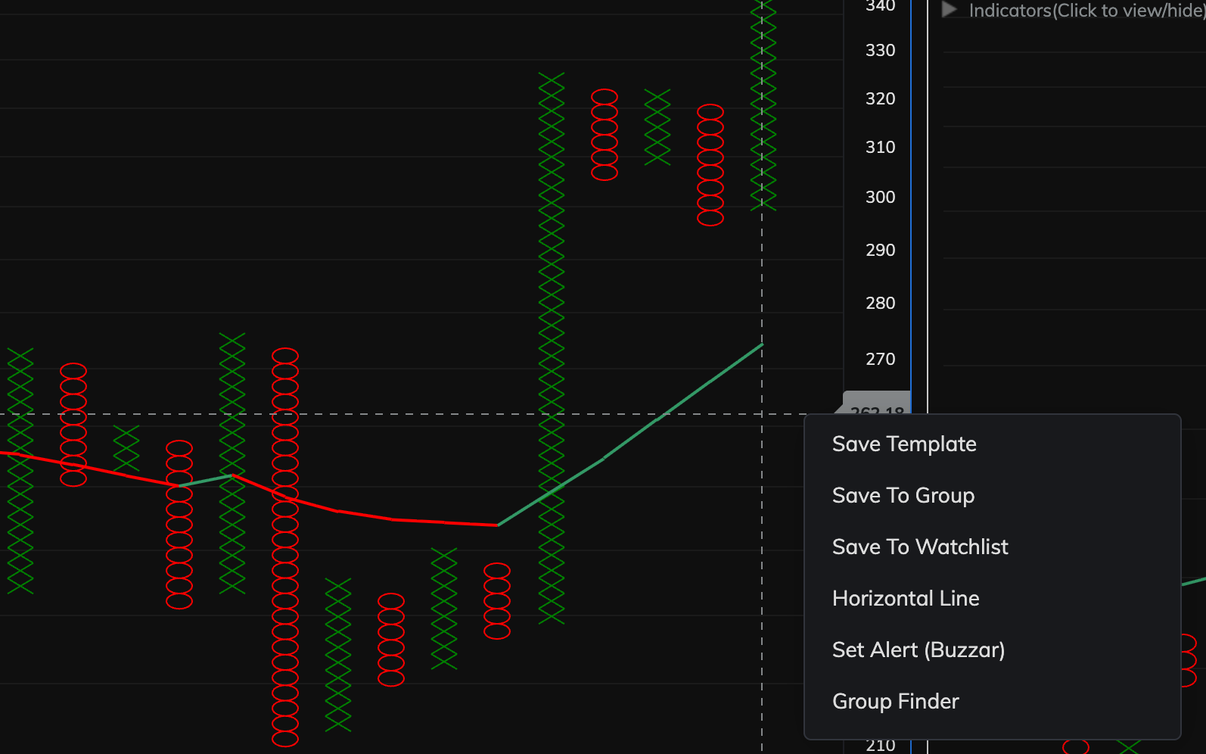
Drop a horizontal price line or open the Support/Resistance tool from the chart’s right-click menu, or use Ctrl/⌘+. and Ctrl/⌘+, with the pointer on the chart (each optional in settings). Price for alerts can fill in from where you clicked on the chart.
Sort and search symbols, download a simple spreadsheet, and use extra export helpers in Group Manager.
System Builder and Stock Groups get a filter so you can type to find an item and move with the keyboard.
When a message only needs closing, it can appear as a small corner notice instead of blocking the whole screen.
Open a chart from scanner results and use a small strip on the chart to move between symbols, see where you are in the list, and keep your chart type and timeframe. Your Dx prev/next keys work there too.
Easier clicks, clearer layout, and type-to-filter dropdowns for long lists (with the keyboard).
Clearer spacing and borders on many popups, plus optional Enter to confirm and automatic focus in the first field.
Small touches such as ticking search result cards for you so you do not click each one, plus a few always-on polish items.
Whether the watchlist strip and left chart tools stay open or tucked away is remembered after you refresh.
Each pair is shown side by side: Without Dx on the left, With Dx on the right. If an image is missing, you will see a simple placeholder until it is added.
Press ⌘/Ctrl+K or use the floating button to open a search box over Zone. Type part of a screen name, pick from recent places, and go there in one step. Use quick dials to pin a short code on any row (sidebar entries, on-page links, external apps) so the filter box can find it instantly; codes are stored only in your browser.
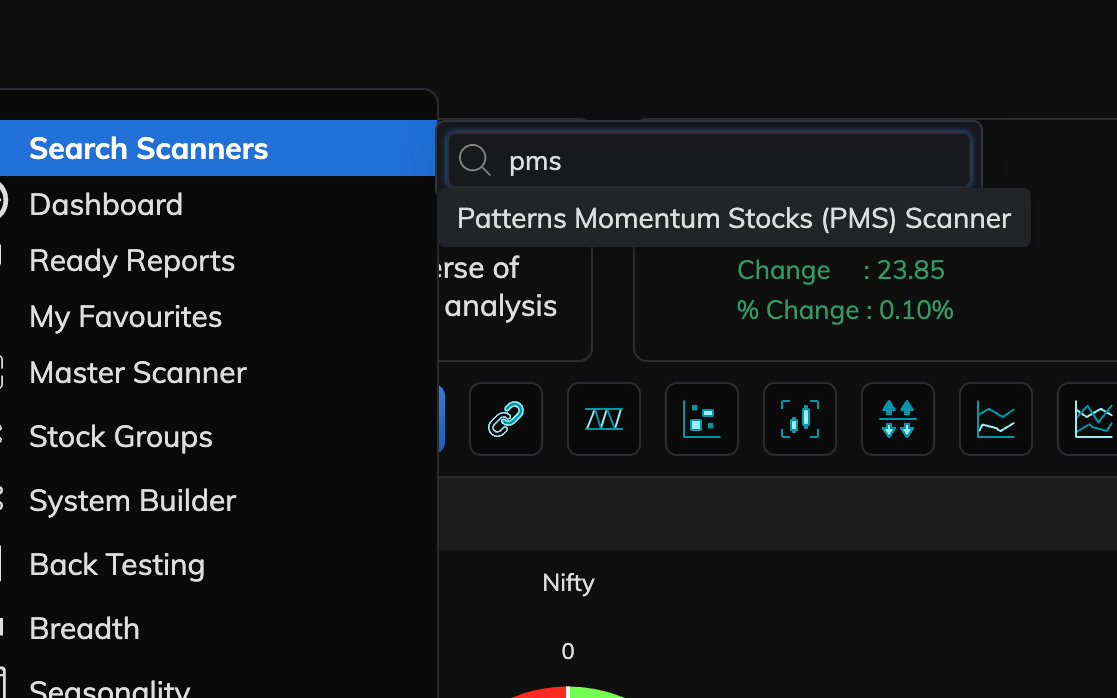
From a chart’s right-click menu, Dx can add shortcuts to drop a horizontal line at the price you clicked and to activate Zone’s Support/Resistance toolbar tool (each can be turned off in Dx settings). When you set a price alert from the chart, the price field can fill in from that same click so you type less.
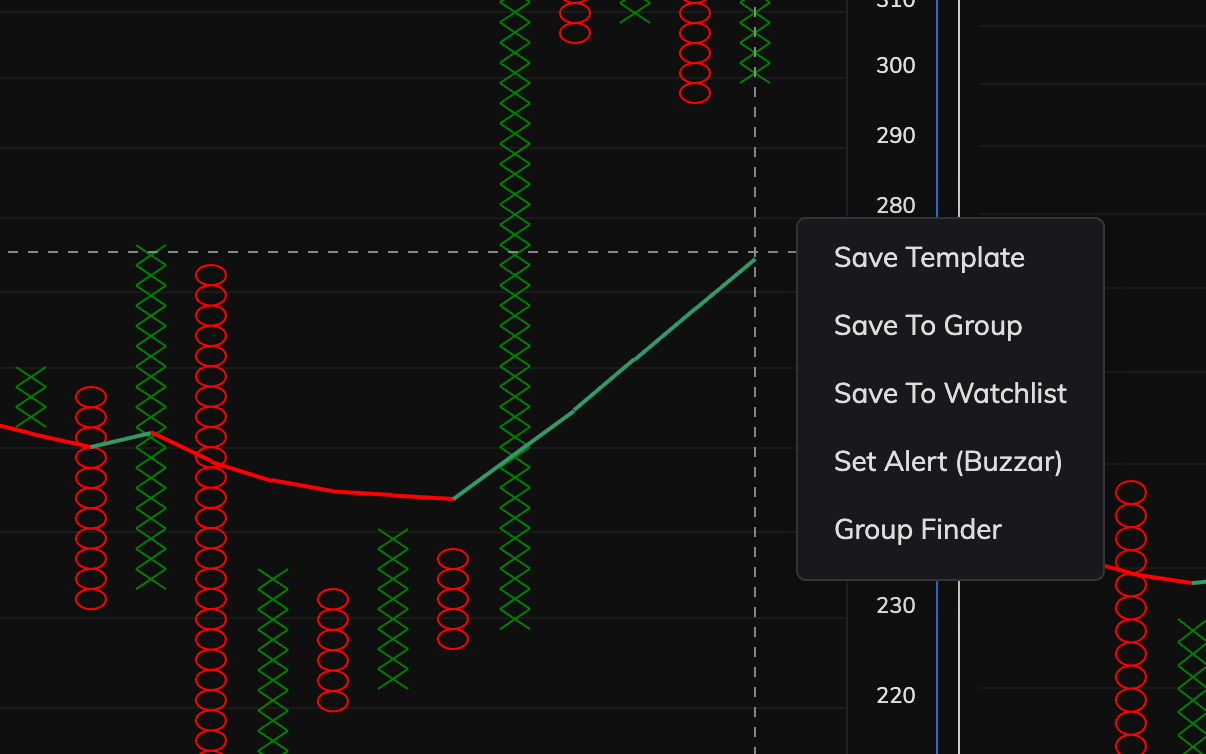
When you work with stock groups and symbols, Dx can add toolbar actions: download your list as a simple spreadsheet, add optional text before or after each symbol, sort A to Z, and filter by typing. Turn each on or off under Lists & watchlists and Export in Dx settings.
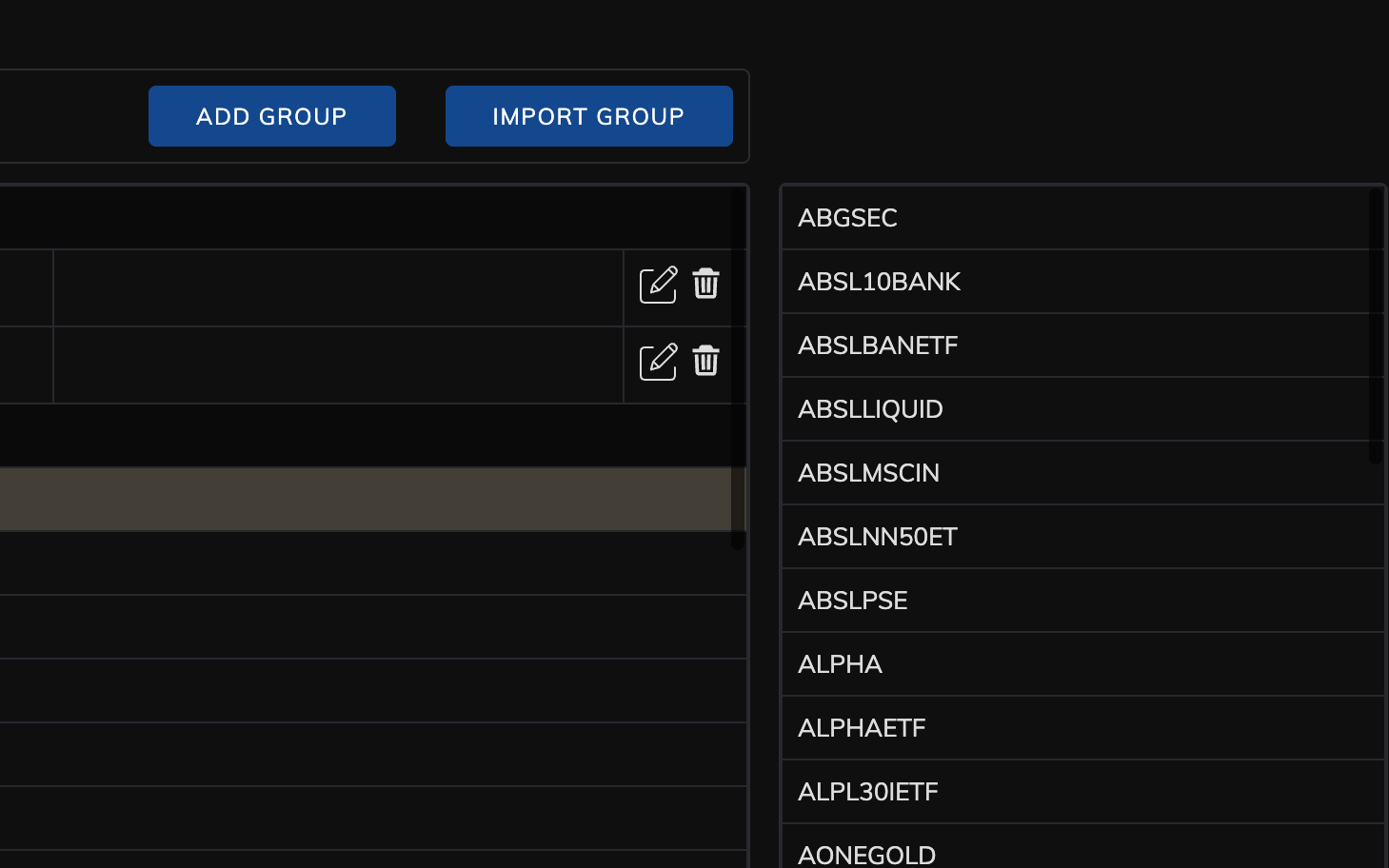
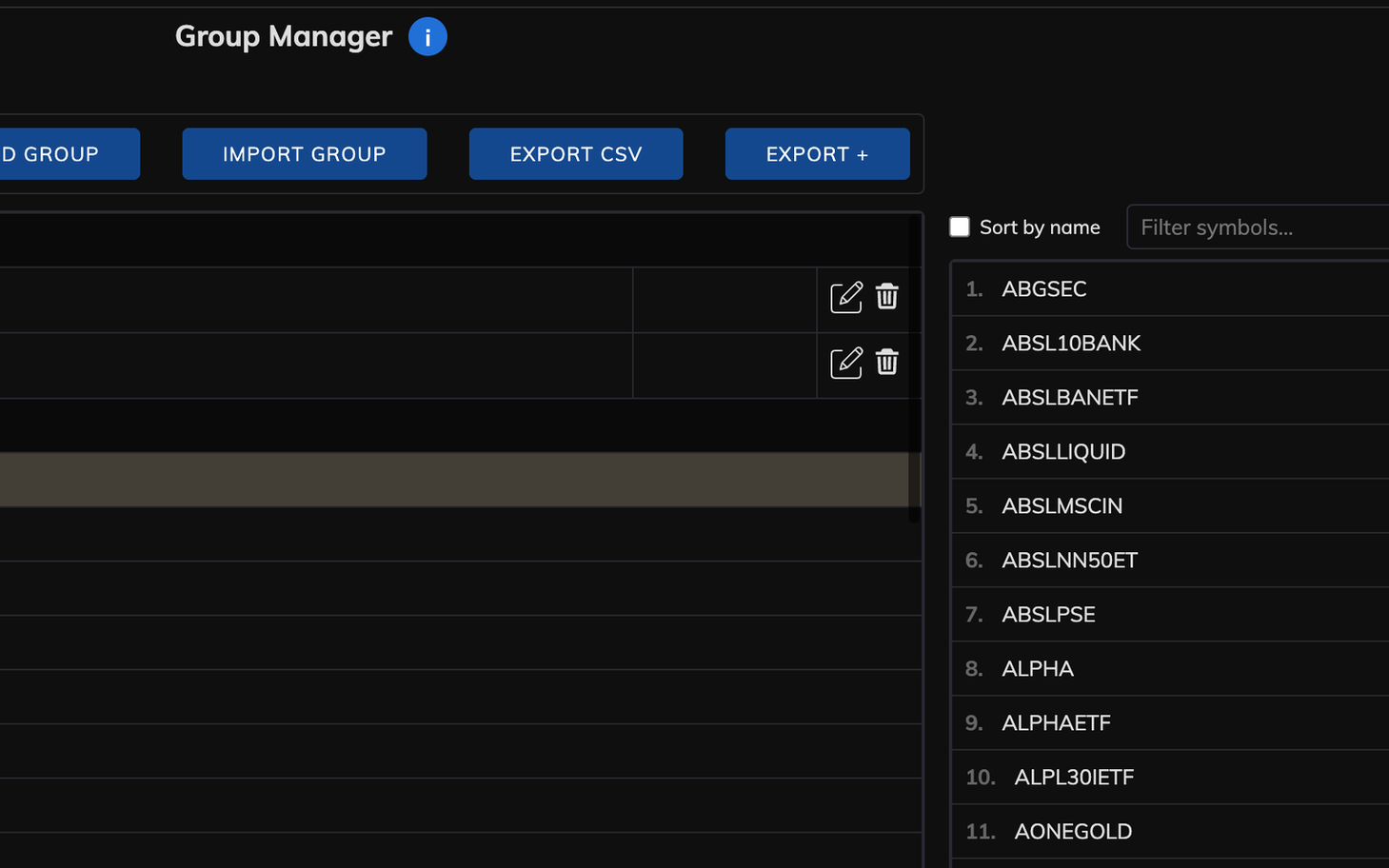
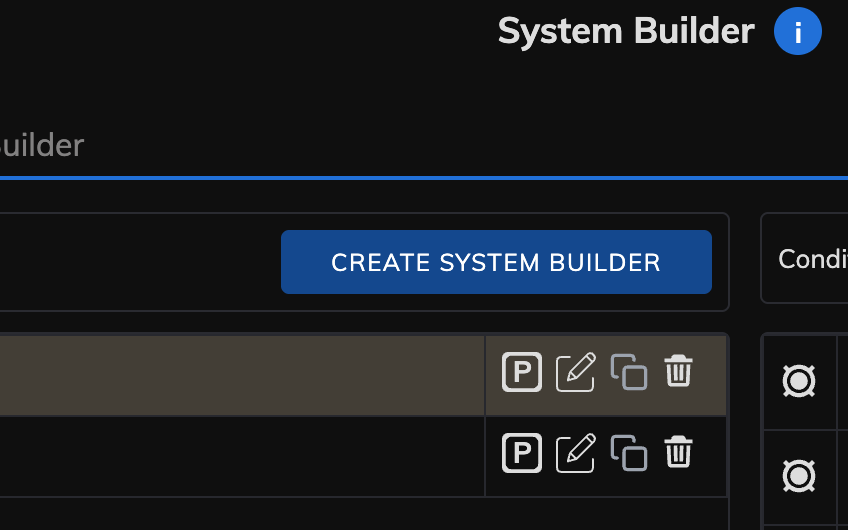
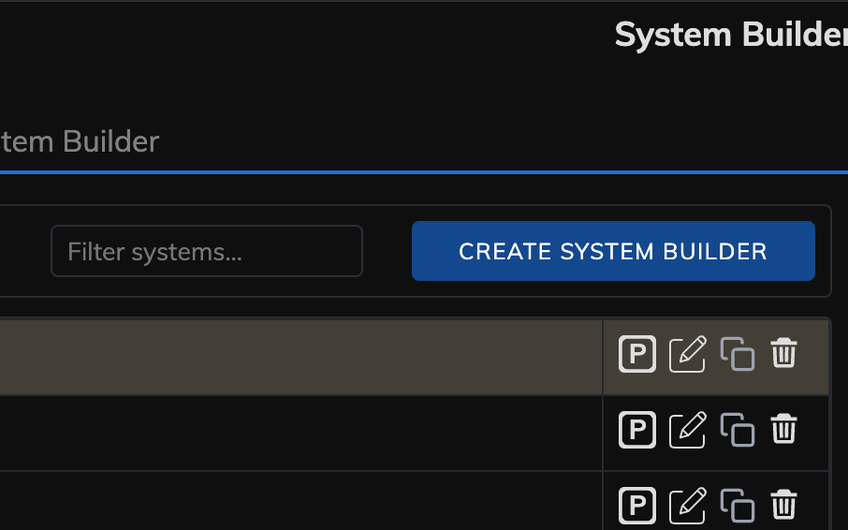
System Builder and Stock Groups get a filter box. Type to shrink the list right away; use the arrow keys to move the highlighted row without reaching for the mouse.
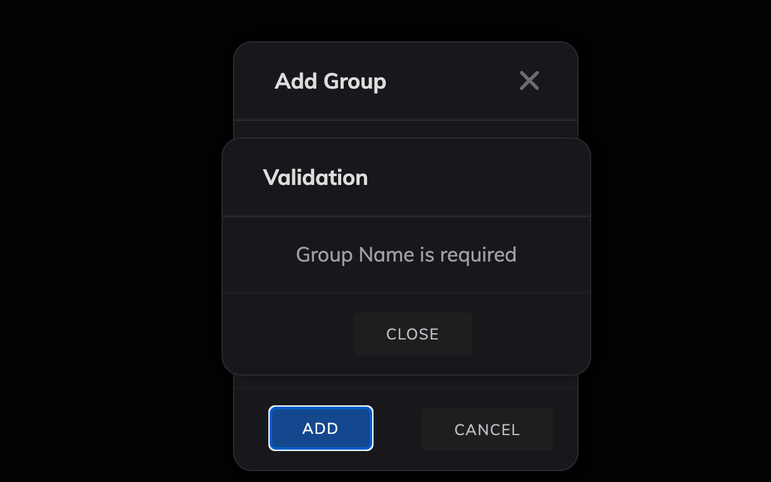
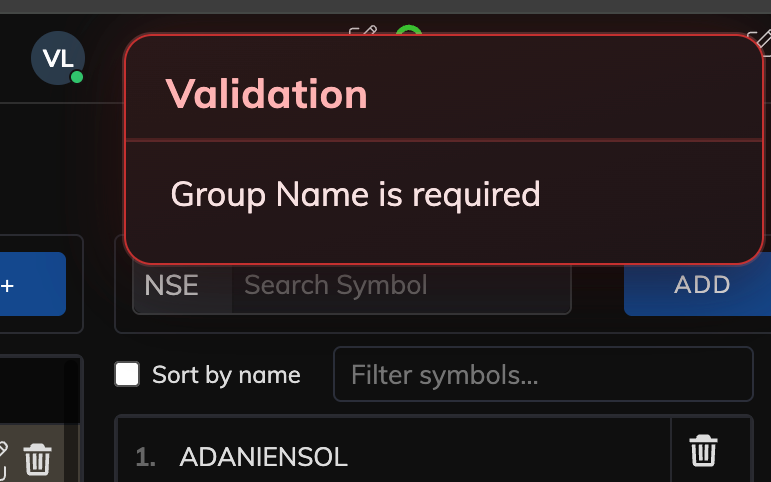
When Zone only needs you to read a short message and press Close, Dx can replace the full-screen blocking box with a small notice in the corner that fades on its own. You can turn this off in Dx settings and use Zone’s usual dialogs instead.
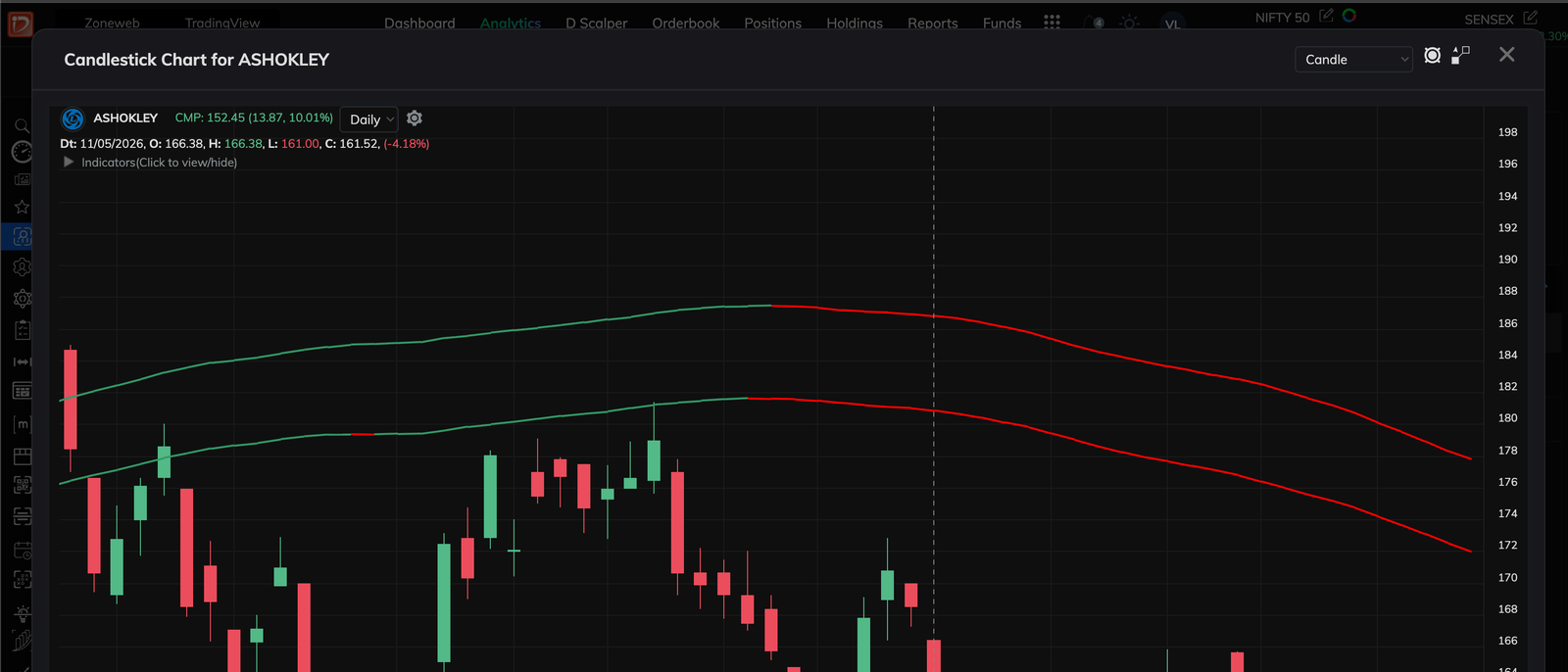
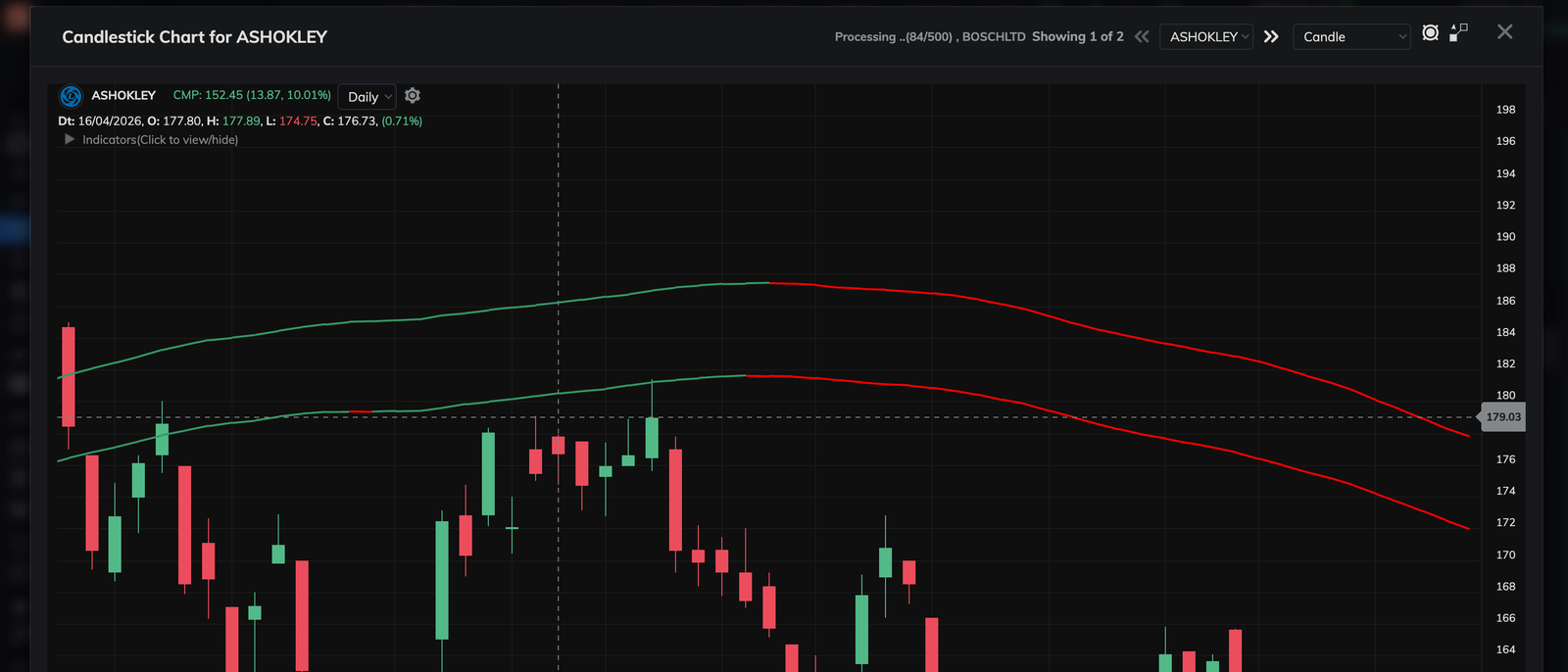
When you open a stock chart straight from Master Scanner results, Dx adds a small strip on the chart: previous and next arrows, a dropdown of the symbols in that scan, and a line that says where you are in the list (for example “Showing 3 of 15”). You can step through results without closing the chart and going back to the grid. Turn this off in Dx settings if you prefer Zone’s default chart only.
On the Master Scanner screen, Dx adds small quality-of-life improvements: easier targets for toggles, clearer layout on wide monitors, a calmer toolbar when many options are visible, and faster picking from long dropdowns. For charts opened from scanner results, see Scanner charts above. Turn the whole block off in Dx settings if you want Zone’s default look there.
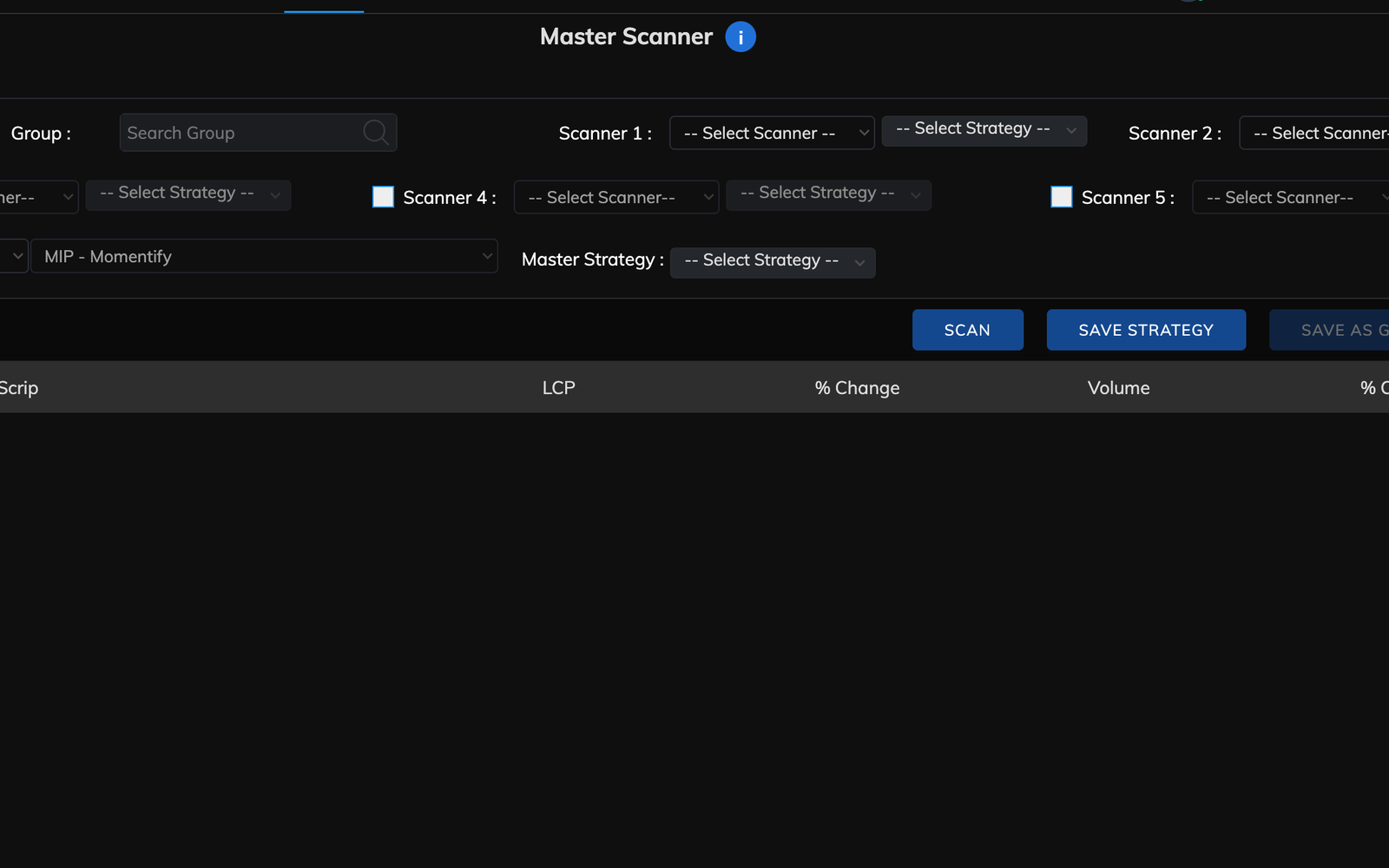
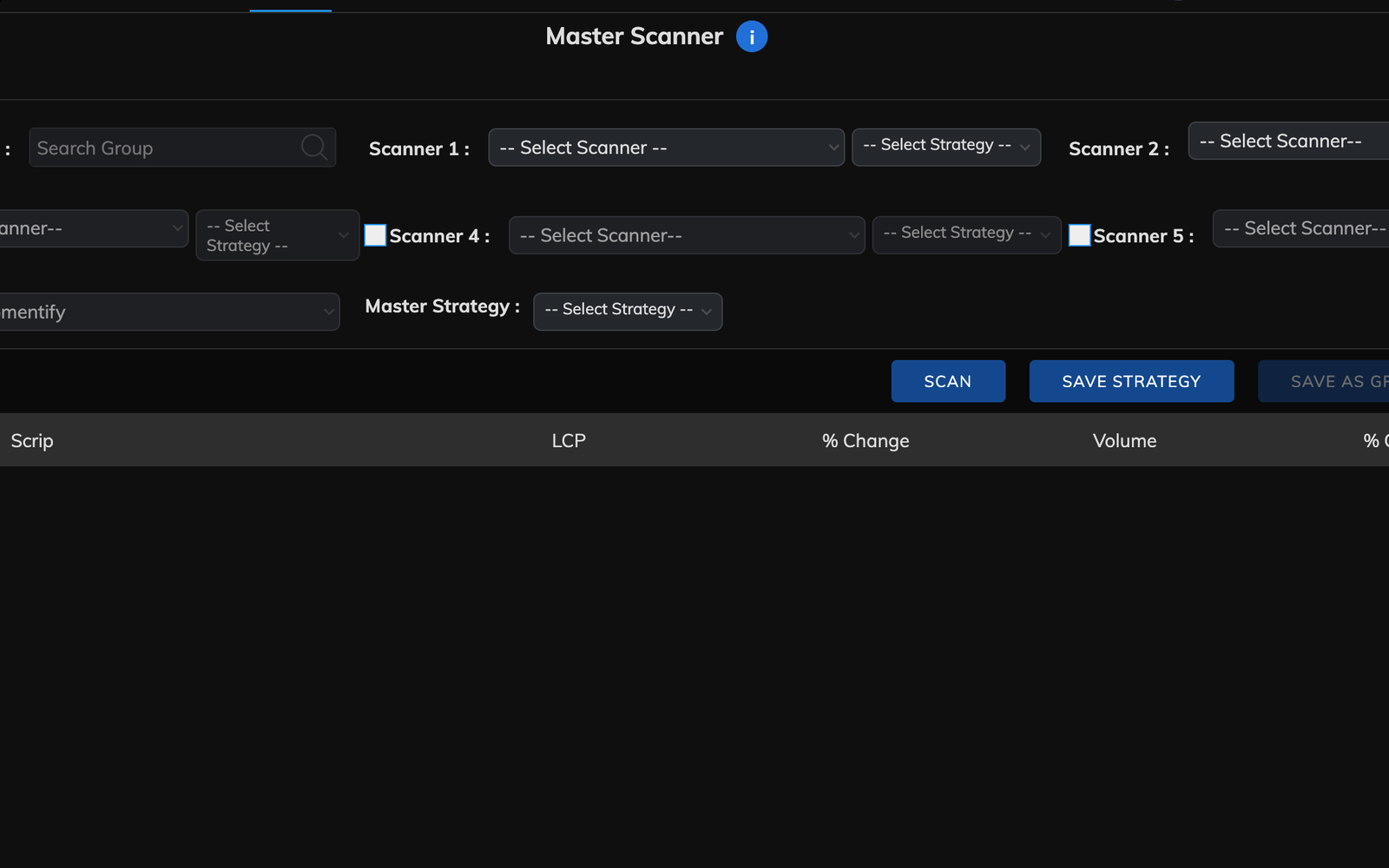
Many popup forms get clearer width, spacing, borders, and shadows so they are easier to read. The largest part of this look is controlled by Nicer dialog boxes in Dx settings; turn it off if you prefer Zone’s default styling for popups while keeping other helpers. Smaller layout fixes elsewhere still aim to keep panels from clipping on smaller windows.
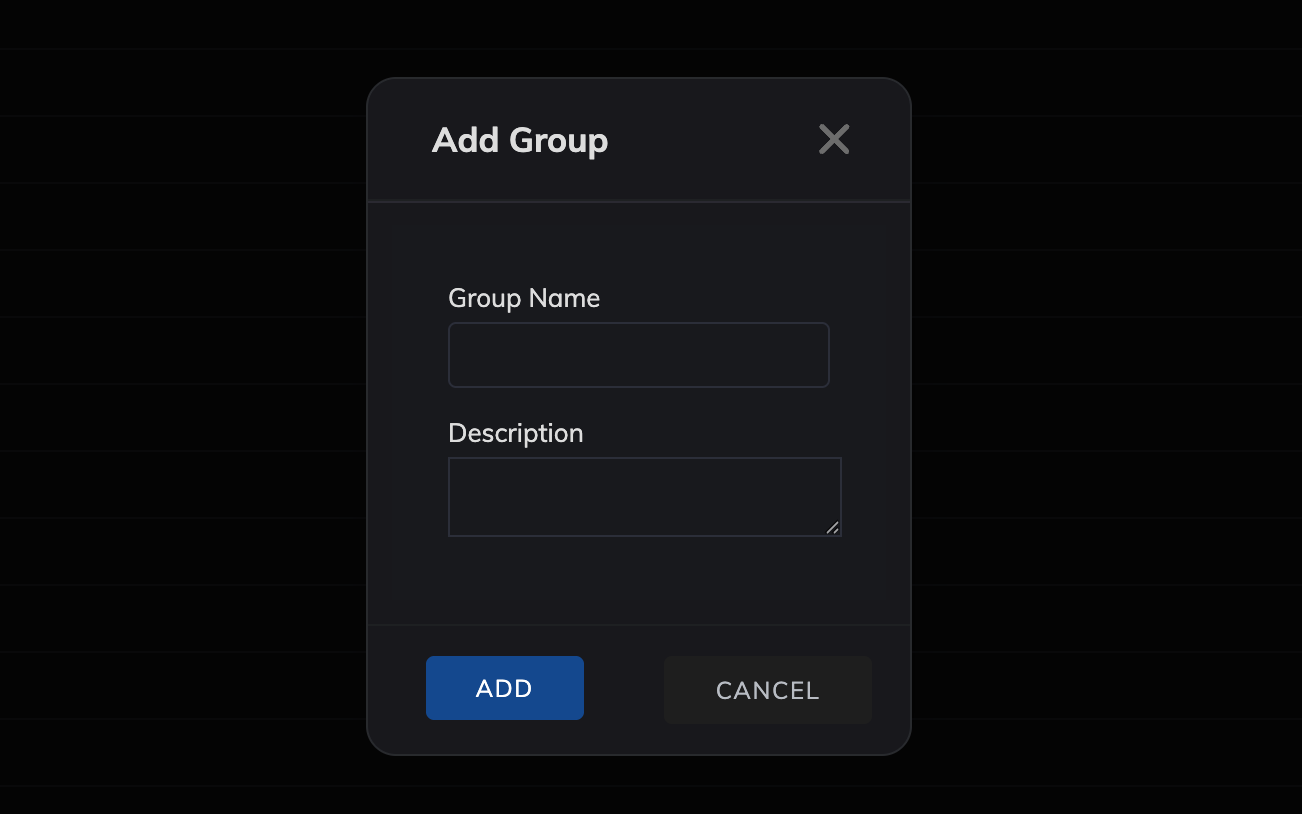
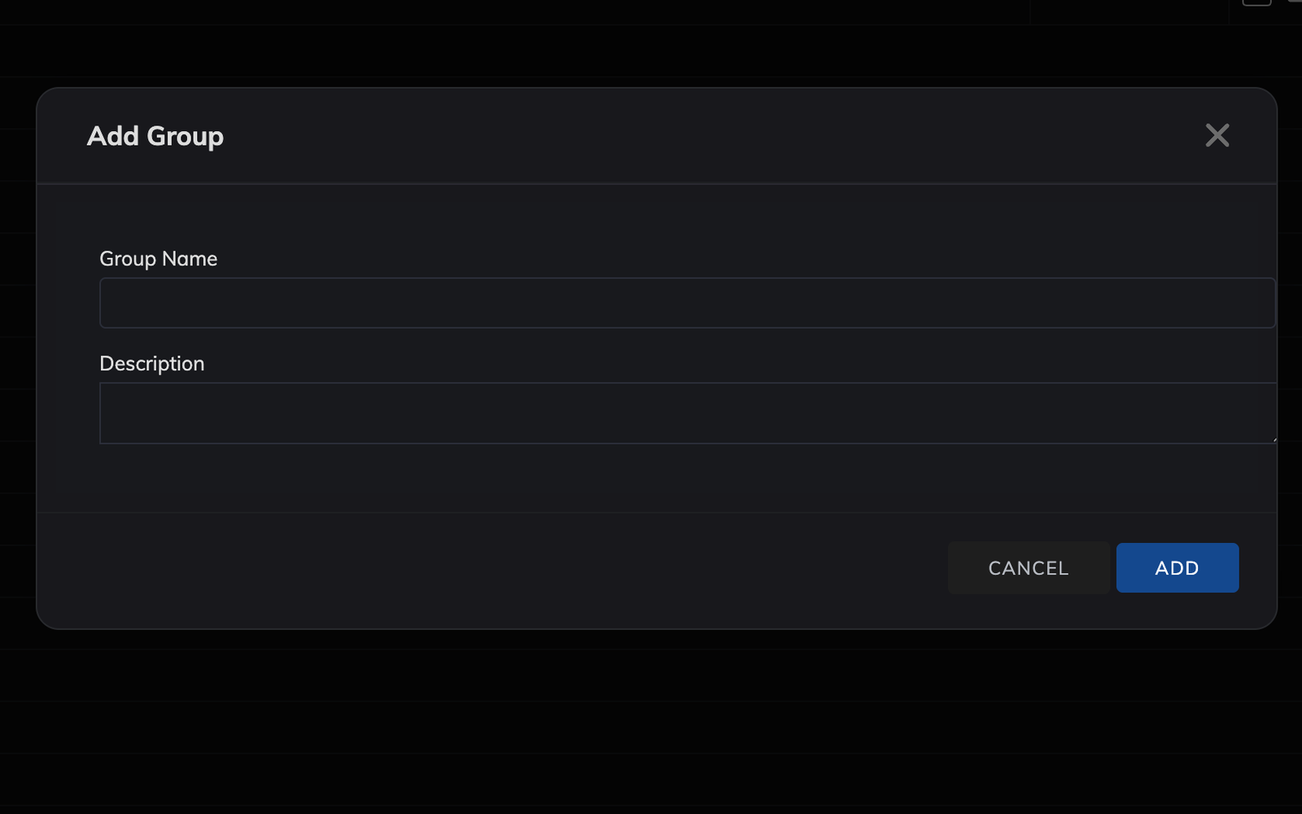
Small touches that add up over a long session. On scanner search cards, the tick row is moved above the text field so you can flip the checkbox without scrolling past the input. Other items here are polish you get while using Dx; they do not each have their own switch yet.
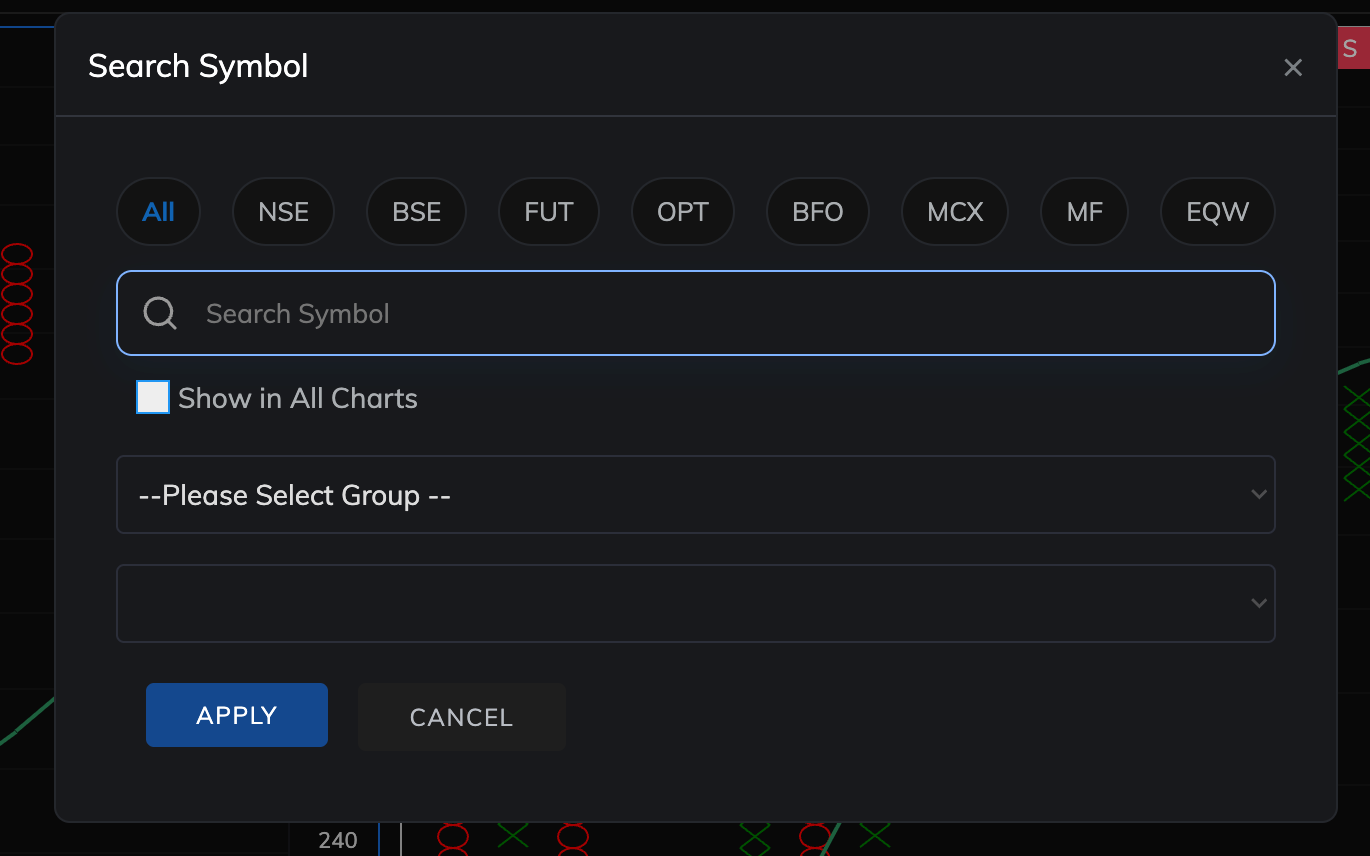
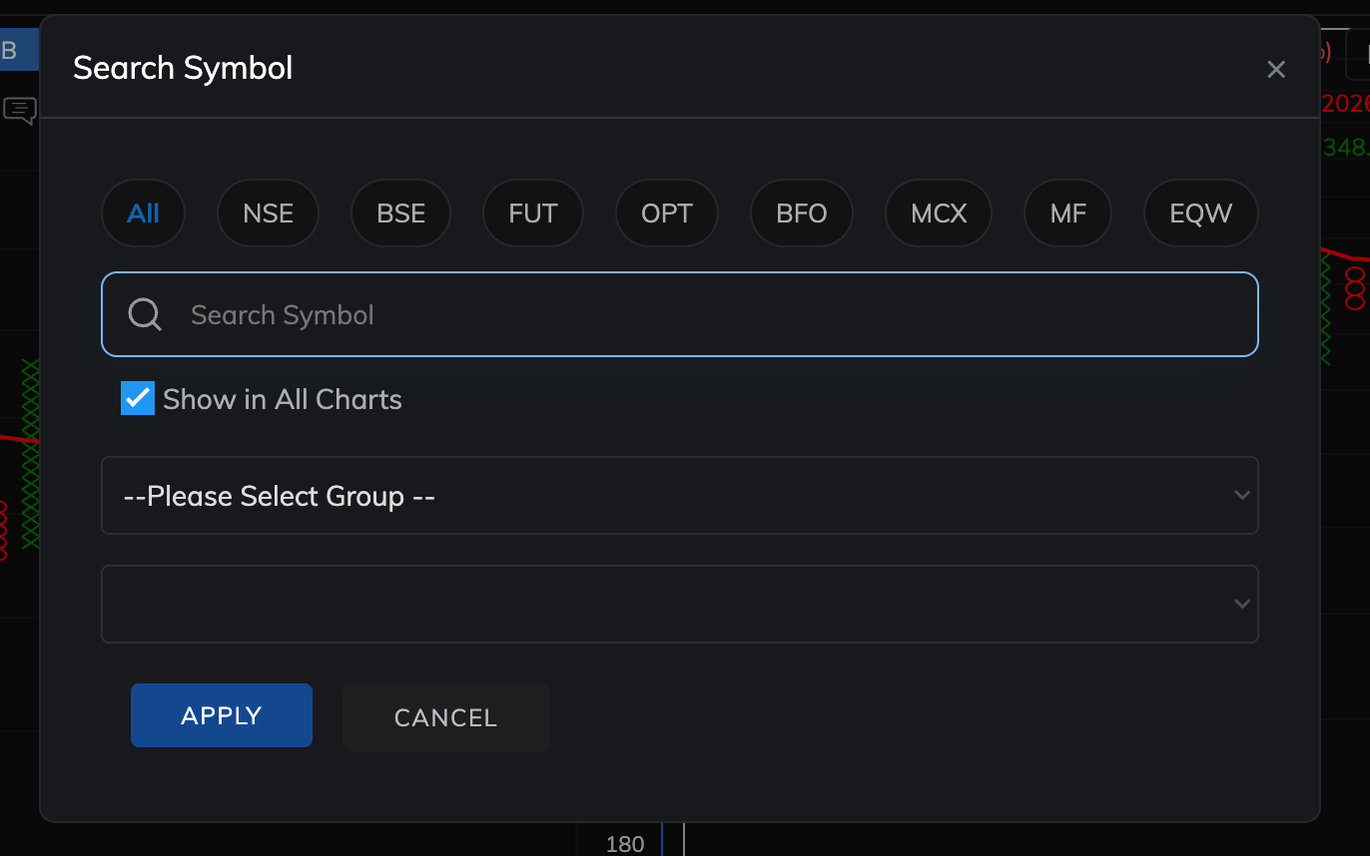
If you tuck the watchlist strip away or hide the left chart tool strip, Dx can put it back the same way after you refresh or open a new tab. That behavior follows the two “Remember if…” options in Dx settings. Your choice is stored only on your device in the browser, not sent to us.
The extension runs only on zone.definedgesecurities.com. Install it from the Chrome Web Store using the button below. After it is installed, open Dx settings from the extension’s menu to turn each feature on or off.
TradePlan
For discretionary traders - no feed, no alerts.
TradePlan is a separate web app for planning first: strategy playbooks and checklists on one side, a trade flow and ledger on the other. It complements Zone; it does not replace Dx.
Write the trade before you take it.
Per-strategy playbooks with sections, checklists, and optional images. When markets move, your rules are already written down.
Before you commit: scrip, sizing, risk, checklist. Overrides need a reason and stay in the record.
Filter entries and exits, tags, and notes. Export to CSV or Excel when you want a spreadsheet.
Capital per strategy and how hard you are willing to get hit. Sizing uses that context in the check.
Opens tradeplan.upforce.tech in a new tab. Not affiliated with Definedge; same maintainer as this Dx Chrome Extension.
Dx (Enhance Definedge RZone) runs in your browser as a thin layer on top of Zone. It does not send your activity to us, run analytics, or ask for credentials beyond what Zone already uses while you are logged in.
zone.definedgesecurities.com
Install Dx, use Zone as you normally would, open Dx settings if you want to turn pieces on or off, and send feedback when something helps or gets in the way.